Auto-capture · Email & photos
Receipts captured automatically.
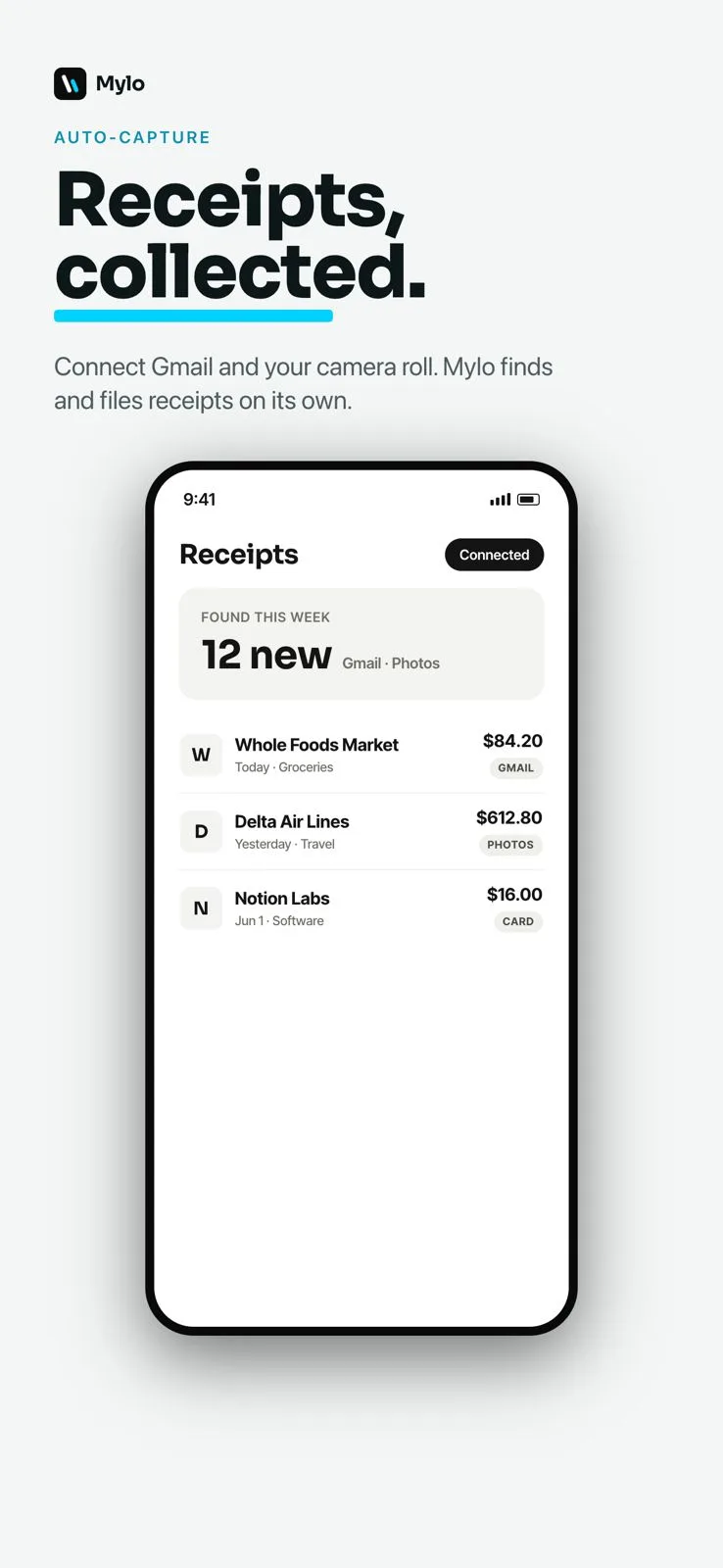
Connect Gmail and your camera roll once and Mylo continuously finds receipts, reads the merchant, date, amount and tax, and files each one as a categorized expense. You never chase a receipt again.


30-day free trial. No card required, cancel anytime.
How it works
Connect once, then forget about it.
Mylo works quietly in the background, so receipts are filed before you would have thought to look for them.
- 1
Connect once
Link your inbox and camera roll with read-only access. There is nothing to set up again after that.
- 2
Mylo scans for receipts
It looks only for receipts and loyalty details, extracts the merchant, date, amount and tax, and ignores everything else.
- 3
Filed and categorized
Each receipt becomes a categorized expense, matched to the transaction that paid for it, ready to review or submit.
Why it matters
Never chase a receipt again.
Zero data entry
No forwarding, no uploading, no typing. Receipts are found and filed on their own.
Nothing slips through
Mylo keeps scanning, so the receipt you would have lost is captured automatically.
Read-only and private
Inbox access is read-only and scoped to receipts and loyalty. Mylo ignores the rest of your mail.
Works in the background
New receipts keep arriving and filing themselves, even when the app is closed.
Works with what you use
Pulls receipts from everywhere.
Inboxes
Gmail, Outlook, iCloud, Yahoo
Photos
Camera & camera roll
Stores
Amazon, Uber, and more
FAQ
Questions, answered.
Which inboxes are supported?
Mylo captures receipts from Gmail, Outlook, iCloud and Yahoo inboxes, and is adding more sources continuously.
Does Mylo read all of my email?
No. Access is read-only and scoped to receipts and loyalty information. Mylo looks only for those and ignores the rest of your inbox.
What about paper receipts?
Snap them with the camera, text a photo to your Mylo number, or let Mylo auto-match them from your camera roll on iPhone.
Is auto-capture private?
Yes. Inbox and store access is read-only, and you decide exactly which receipts and expenses are ever shared or exported.
Does it work in the background?
Yes. Mylo keeps finding and filing receipts even when the app is closed, so your expenses stay up to date on their own.
Keep exploring
Put receipt capture on autopilot.
Set up in a few minutes, on the cards you already carry.
30-day free trial. No card required, cancel anytime.