Receipt capture · QuickBooks
A receipt scanner built for QuickBooks.
Mylo scans receipts and fetches them from your inbox, reads the details, matches each one to the transaction that paid for it, and posts a clean, categorized expense to QuickBooks with the receipt attached.

30-day free trial. No card required, cancel anytime.
How it works
From receipt to QuickBooks, automatically.
Every receipt Mylo scans or fetches lands in QuickBooks already categorized and matched. No re-typing.
- 1
Scan or fetch
Snap a receipt, forward it, or let Mylo pull it from your inbox automatically. OCR reads the details.
- 2
Match & approve
Mylo matches each receipt to the transaction that paid for it; approved items are ready for the books.
- 3
Post to QuickBooks
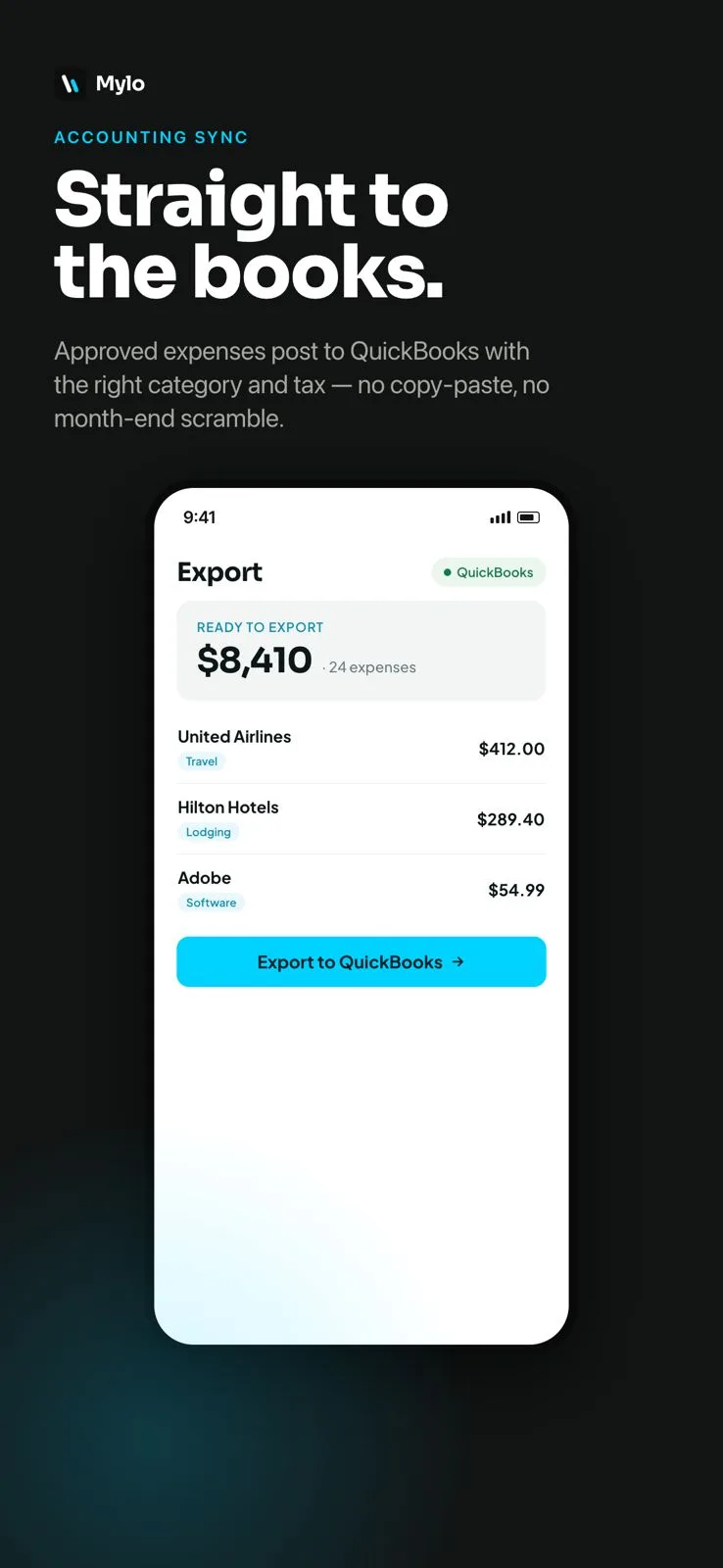
Approved expenses sync to QuickBooks categorized, with the right tax and the receipt attached to each entry.
Why it matters
Clean books without the busywork.
No manual entry
Receipts become QuickBooks expenses on their own, so you stop re-typing them into the ledger.
Receipt on every entry
Each synced expense carries its receipt image, so your QuickBooks backup is always complete.
Right category and tax
Expenses arrive categorized with tax applied, so the books need far less cleanup at close.
Nothing missed
Because Mylo fetches receipts from the inbox too, the ones people forget to submit still make it in.
Works with what you use
Works with QuickBooks.
Accounting
QuickBooks
Each entry
Receipt attached
More integrations
On the way
FAQ
Questions, answered.
Does Mylo scan receipts into QuickBooks?
Yes. Mylo reads each receipt (scanned, forwarded or fetched from your inbox) and posts it to QuickBooks as a categorized expense with the receipt image attached.
How is this different from QuickBooks’ own receipt capture?
Mylo also fetches receipts and invoices directly from your email inbox and matches them to bank and card transactions, so you capture the receipts that never get manually uploaded.
Are receipts attached to each QuickBooks entry?
Yes. Every expense that syncs carries its matched receipt, so your audit backup is always in place.
Do categories and tax come across?
Mylo categorizes expenses and applies the correct tax before they sync, so your QuickBooks books need less manual cleanup.
Do I have to review before it syncs?
You stay in control: only approved expenses sync to QuickBooks, so nothing posts to your books without a review.
Keep exploring
Scan receipts straight into QuickBooks.
Set up in a few minutes, on the cards you already carry.
30-day free trial. No card required, cancel anytime.