How-to guides
Accountant: edit a client's settings
By the Mylo team · Last updated June 30, 2026
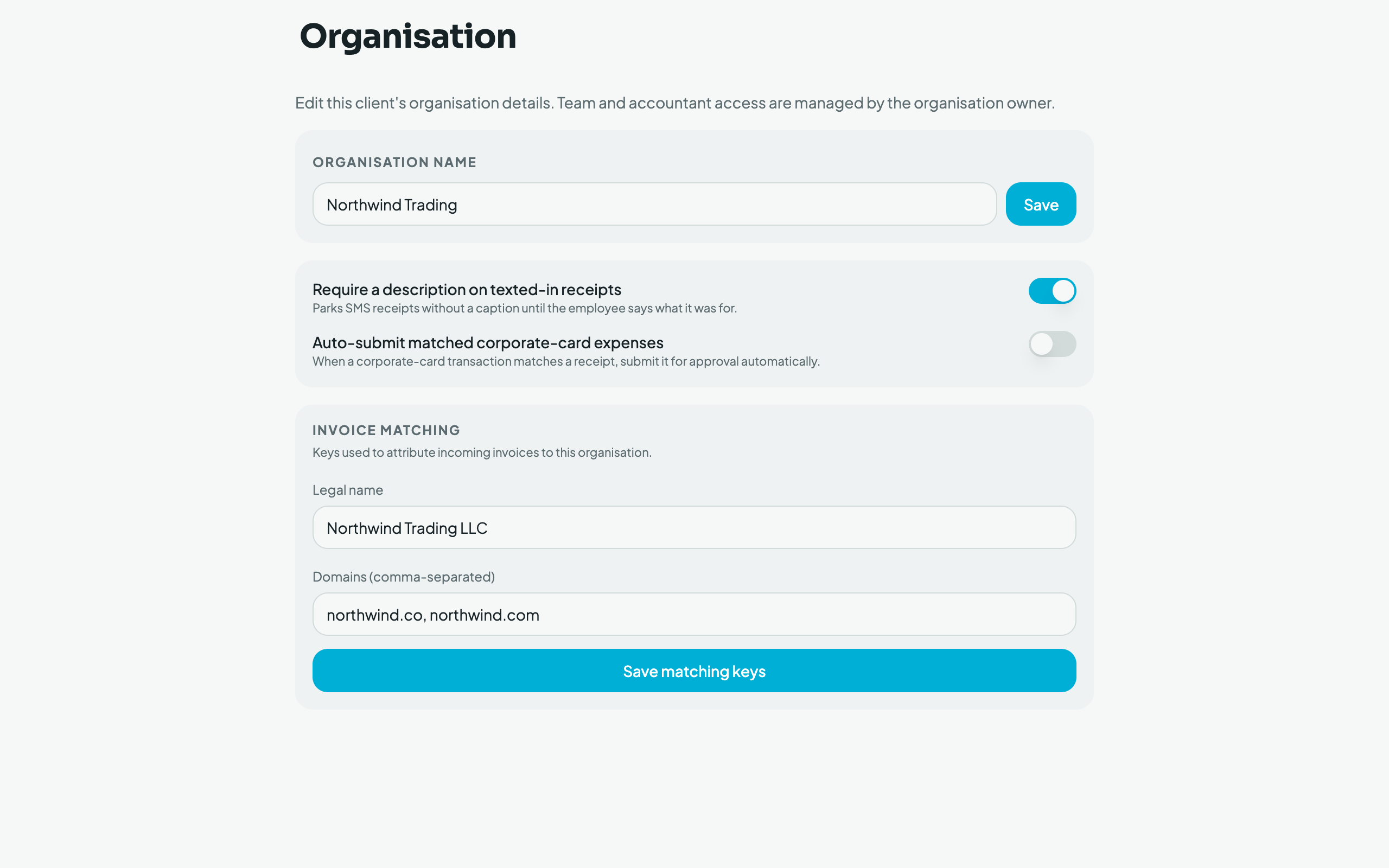
From the client switcher, open Organisation to edit, for the selected client: the org name, the two spending policies (require a description on texted‑in receipts; auto‑submit matched corporate‑card expenses), and the invoice‑matching keys (legal name + domains used to attribute incoming invoices). People and payment methods stay owner‑only, an accountant edits settings, not the roster.