How-to guides
Text in a receipt
By the Mylo team · Last updated June 30, 2026
- Open Settings → SMS receipts and turn on Text in receipts. This records your consent (standard message/data rates apply) and shows you the Mylo number.
- Text a photo of a receipt to that number.
- If you add a caption, the expense is submitted right away. If you don't, Mylo texts back asking what it was for, and submits it once you reply.
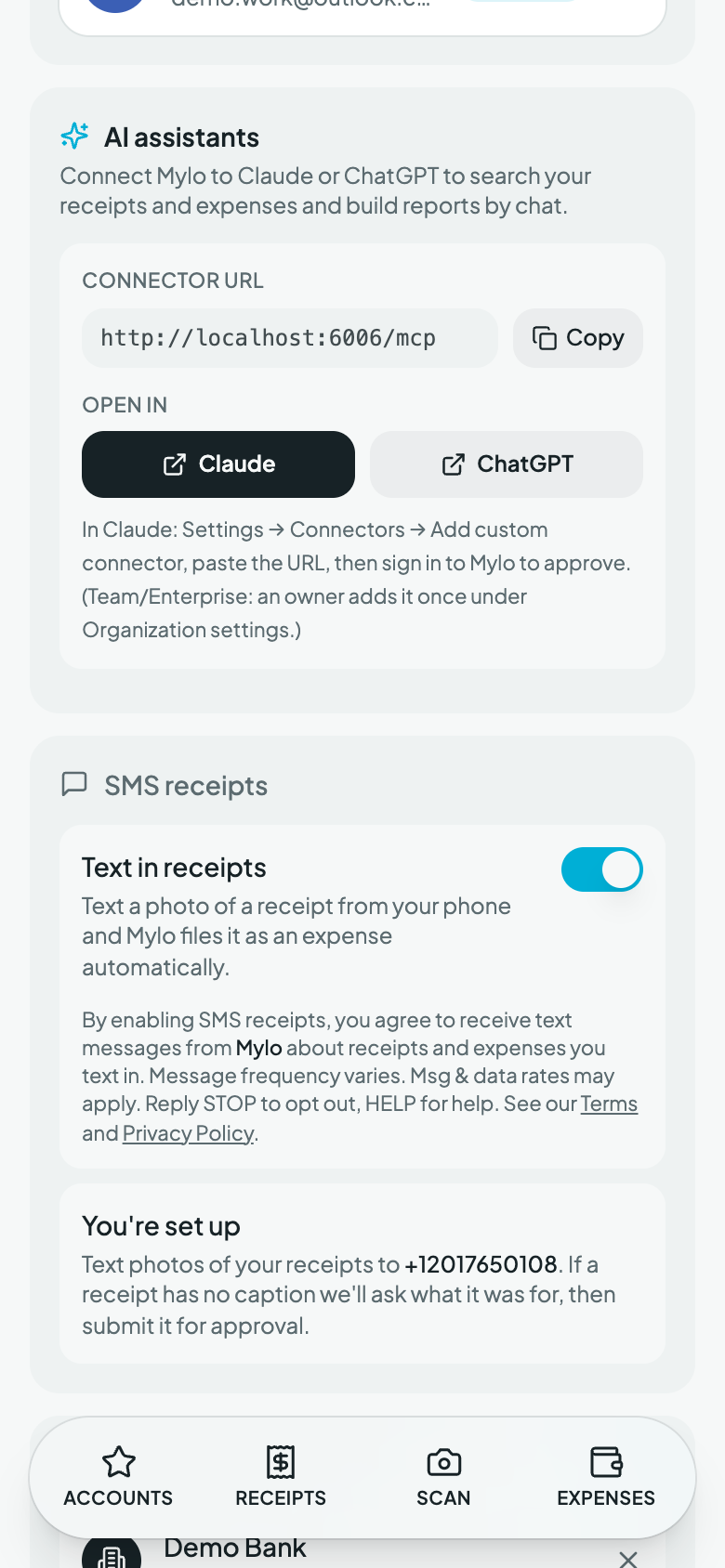
Photo (MMS) text‑in is rolling out by carrier, so availability depends on your number. Scan and email capture work everywhere today.