Features
QuickBooks export
By the Mylo team · Last updated June 30, 2026
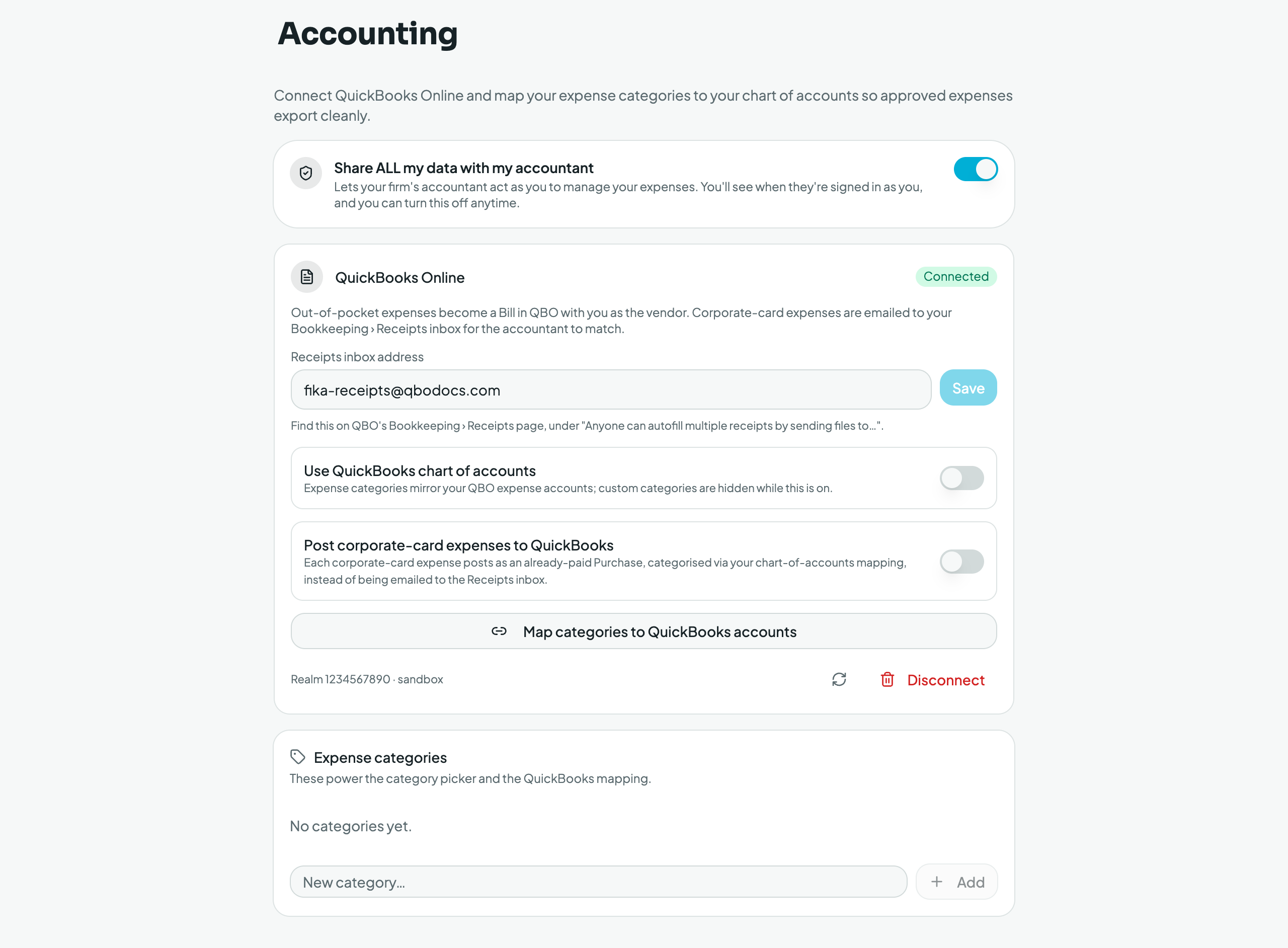
Connect QuickBooks once in Settings → Accounting. You'll see connection status, an optional receipts inbox email (forward receipts straight to QuickBooks), sync history, and your imported QuickBooks categories. Then export approved expenses, individually or in bulk from the approval queue. Exported expenses flip to the exported state (so you can't double‑send) and carry their QuickBooks reference for reconciliation. Expense categories map to your QuickBooks accounts.